
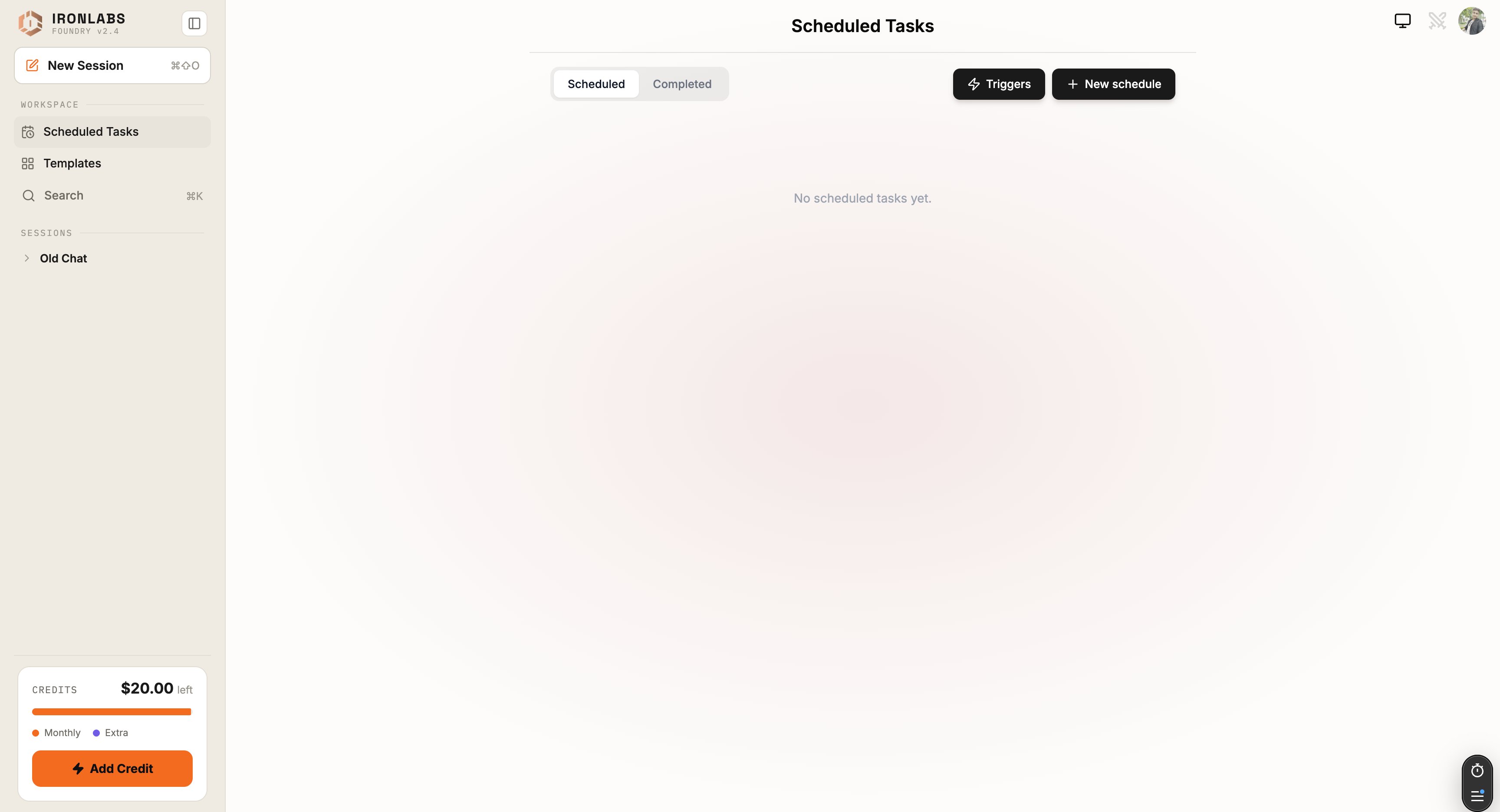
Create a task
Sidebar → Scheduled Tasks → New task. Fill in:
Hit Save and the task is live.
Schedule presets
5-field cron is
minute hour day-of-month month day-of-week.
What happens on each run
- Cron fires. Foundry opens a fresh chat under the task’s name.
- The system prompt + prompt are sent to the assistant.
- The assistant runs — using the connectors you selected — and writes the reply.
- A browser notification fires (if enabled). The chat appears in Recent with an unread badge.
Editing and pausing
- Open the task → Edit to change prompt, schedule, or connectors.
- Toggle Active off to pause without deleting.
- Archive to hide; Delete to remove permanently.
Tips
- Constrain the output format in your prompt — “reply in 3 bullets, max 30 words each”. Daily briefs that respect your time get read; ones that ramble don’t.
- Use system prompt for persona + constraints, prompt for the task itself. Keeps the task definition tidy.
- Start with a tight
max runscap while you iterate. Bump it once the task is solid.
Limits
- Default lifetime cap is 10 runs — change it explicitly if you want more.
- Cron resolves at minute granularity.
Related
Tasks overview
Scheduled vs event-based.
Tutorial
Build a daily brief.