
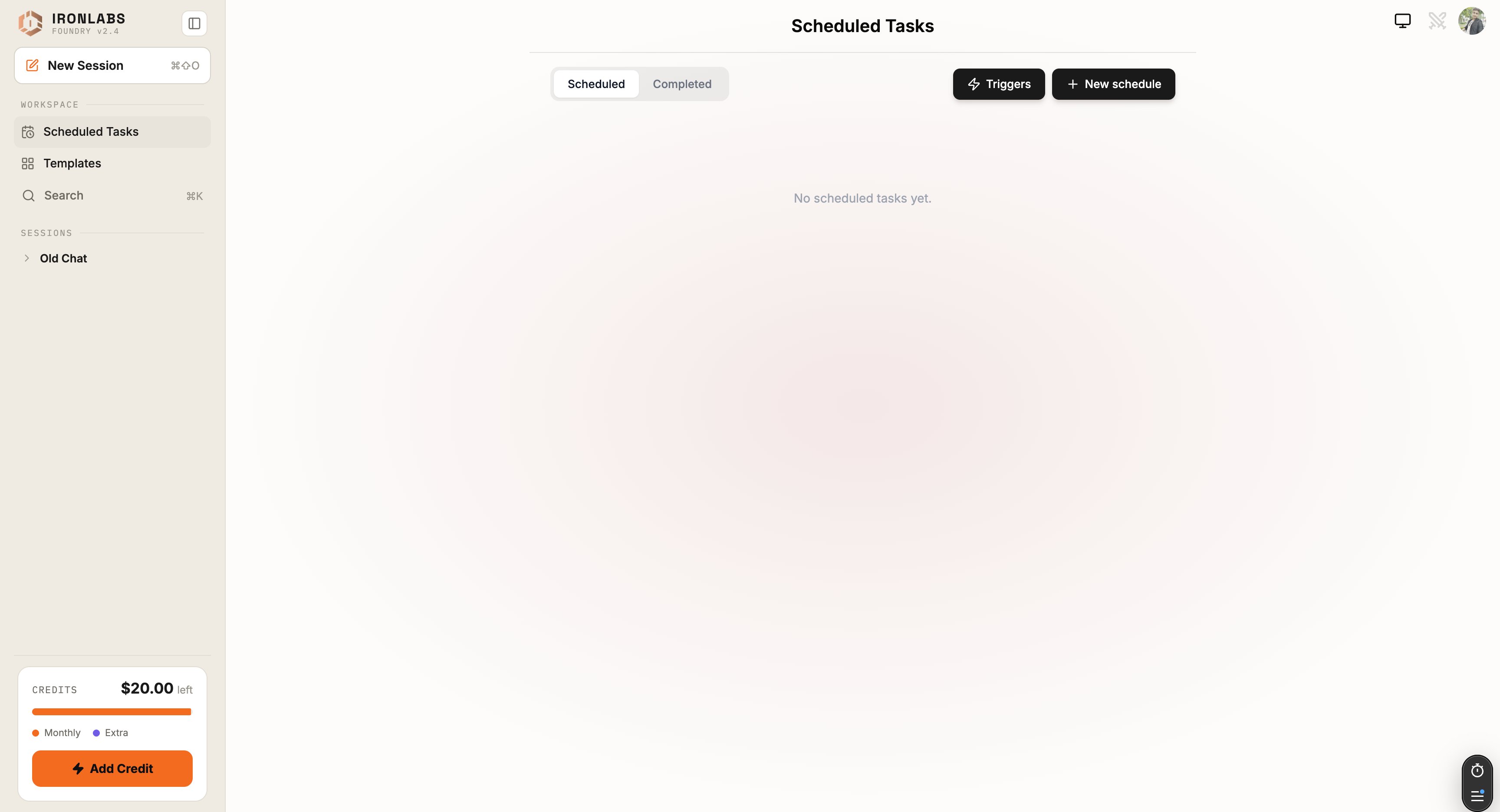
Two flavors
Each task lands in your chat history under Recent, with an unread badge so you spot it the moment you next open Foundry.
What a task does
Every task is essentially: “run this prompt, with these connectors, on this schedule, and notify me.” You configure:- Name and description — what this task is for.
- System prompt (optional) — extra context that always applies.
- Prompt — what the assistant should do each run.
- Connectors — which connected services it can use.
- Schedule — cron or preset.
- Lifetime cap — max number of runs (default: 10).
Why people use tasks
- Daily brief — “summarize the top 10 X posts about AI infra from the last 24 hours”, every morning at 8am.
- Monitoring — “check competitor X’s pricing page and tell me if it changed”, every Monday.
- Lead enrichment — “for each new row in this Notion DB, look up the company and append a one-line summary” (via a connector).
Related
Scheduled tasks
The cron workflow.
Event-based tasks
Coming soon.
Tutorial: Automate
Build a daily brief.