
@ in the composer to open the Sources menu.
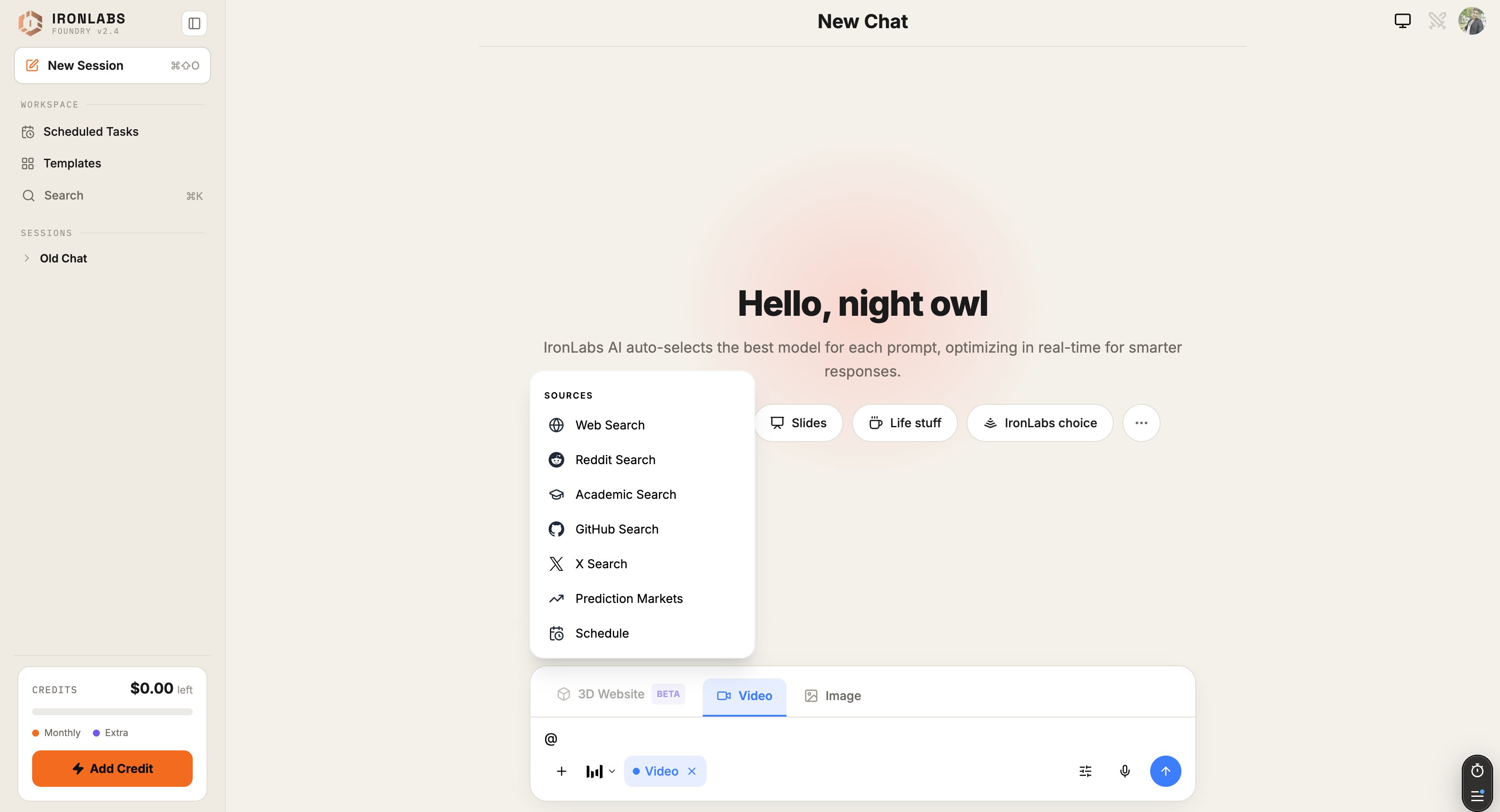
Built-in sources
For Deep Research — the multi-step grounded answer — switch to that mode via
/ instead of toggling a single source. See Deep Research.
How toggles work
Toggle one or more sources from the@ menu. Your next message is grounded in those sources; toggles reset when you switch chats.
Foundry shows a Sources pill above the composer for every active source so you always know what your next prompt will hit.
Citations
Every reply that used a source gets citations under the answer — clickable links to the source pages, with a short excerpt that the model leaned on.Tips
- Stack sources for harder questions. Web + Reddit gives you both the facts and the lived experience.
- Reset between chats. Sources don’t bleed across chats by design.
- Use Deep Research when one round of search isn’t enough. It fans out, reads, and synthesizes.
Related
Connectors
External services as sources — Exa, Firecrawl, Valyu, more.
Deep Research
The heavyweight option.