
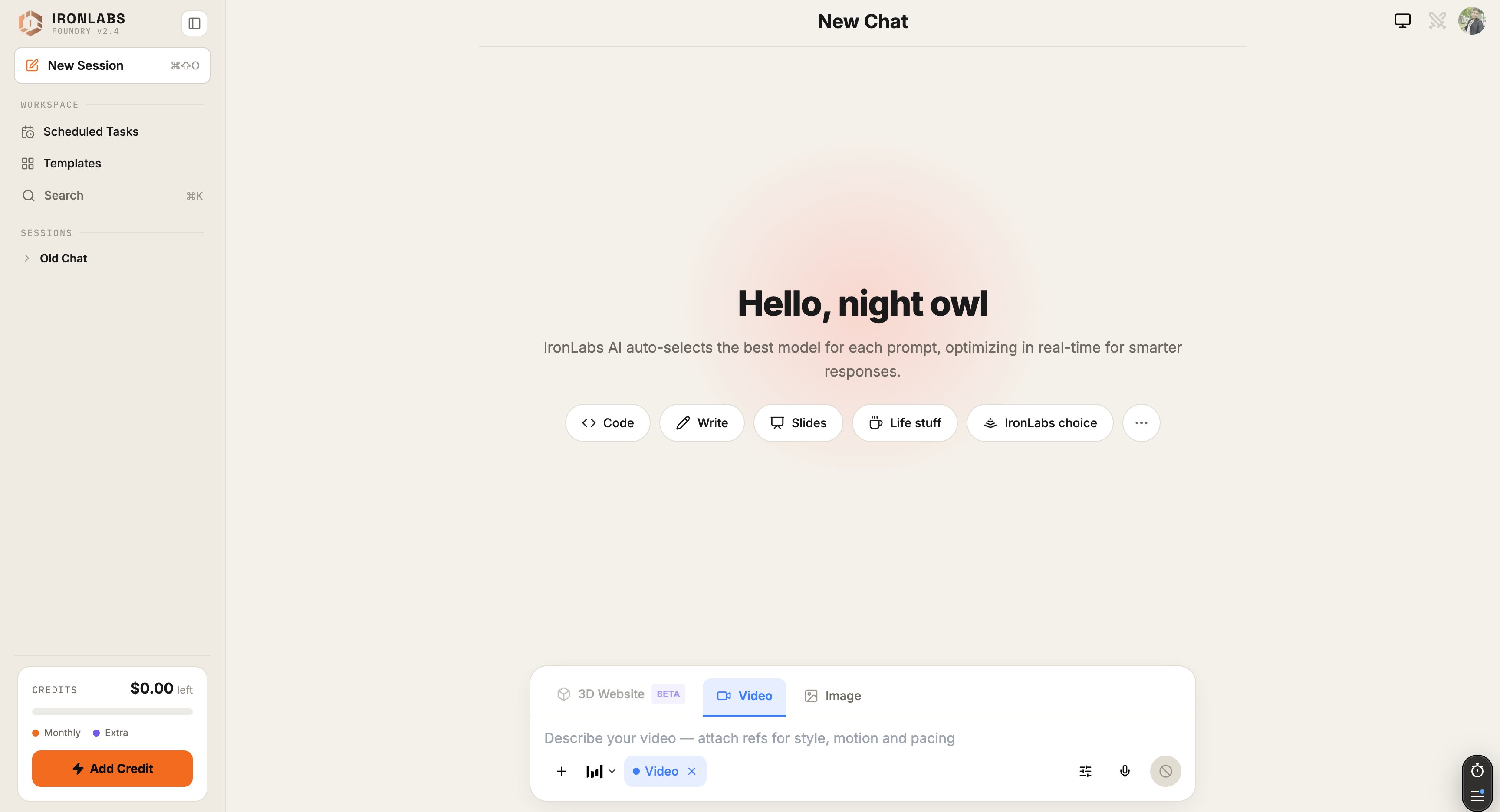
How chats are grouped
The sidebar shows three buckets, in this order:
Each entry shows the chat title. Scheduled-task chats get an extra unread badge so a task that fired overnight is visible the moment you open Foundry.
Search
Hit⌘K (Mac) / Ctrl K (Windows/Linux) anywhere to open global search. Type a phrase and Foundry filters the list to chats that contain it — title and body, across all buckets.
Rename, pin, delete
Hover a chat in the sidebar to get the context menu:- Rename — give it a memorable title (the default is auto-summarized from your first message).
- Pin — sticks it to the top, above Recent.
- Delete — removes it permanently. There’s no trash.
Resuming a chat
Click any chat in the sidebar to reopen it. Foundry preserves the mode (Chat / Image / Agent / etc.), the active Sources, and the active Skills as they were when you last left. If a scheduled task ran while you were away, it appears as a new entry in Recent with an unread dot — click in and you’ll see the task’s run output.Tips
- Pin work-in-progress chats so they’re never more than one click away.
- Rename early — the auto-title is fine, a custom title is better for search a week later.
Limits
- Deleted chats can’t be recovered.
- Search is title + body only — it doesn’t search inside attached files.
Related
Keyboard shortcuts
Every shortcut, every context.
Scheduled Tasks
Tasks land in your chat history.